 Instagram · Original comedy
Give the character a choice.
A fictional office comedy built around a recognizable workplace tension and a clear character reaction.
Watch on Instagram ↗Shape an idea into a clear, watchable story. Plan the hook, earn the payoff, then build and narrate the video with a local-first studio that keeps creative decisions in your hands.
macOS beta · Optional AI planning · Your review before export
A glimpse of the work from @dil_seframe: original animated comedy and an educational story, published on Instagram. These are creator examples, not a claim of automatic app generation or audience performance.
Instagram · Original comedyA fictional office comedy built around a recognizable workplace tension and a clear character reaction.
Watch on Instagram ↗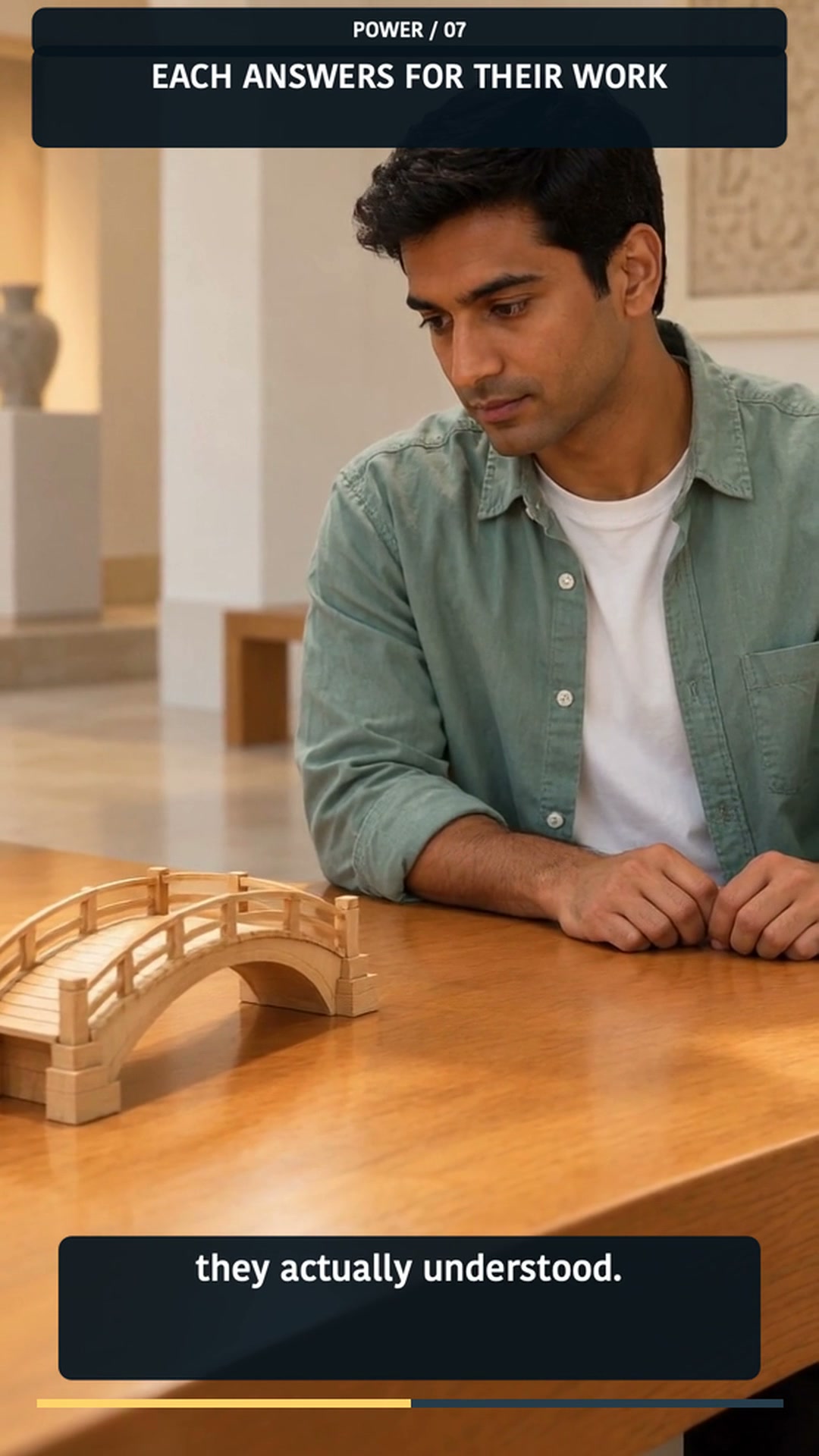 Instagram · English story
A fictional exhibit story turns delegation and authorship into a visible team decision.
Watch on Instagram ↗ Instagram · Hinglish family story
A five-part family story plants a question in its opening episode, then carries the mystery across the trip.
Watch on Instagram ↗Examples are published work by @dil_seframe. AI-assisted media is labeled in the source posts. No reach, retention or conversion metrics are claimed.
Use this planning path to move from “make it viral” to a specific creative brief. AI suggestions stay drafts; research and human review remain yours.
Name the person, the context and the question they bring.
Choose one useful takeaway or feeling to earn.
Compare distinct openings and choose the one the story can pay off.
Attach supplied sources or mark assumptions that need checking.
Map value, open loops, visual action and the payoff in order.
Check narration, timing, visuals and the ending against the opening promise.
Planning is an optional MCP workflow. It does not publish, verify claims automatically or guarantee audience response. Native full-story AI generation is not connected.
Plan with AI if you choose; make the video in your studio. Editing, narration and rendering are local workflows. Cloud AI requests require separate consent. Generated plans need creator review, and export remains your call.
Try the current macOS beta through TestFlight. For a premium account, email us to ask about current paid access and availability.
Explore the studio and create with the current TestFlight beta. Availability is managed by Apple.
Join the free beta ↗Email Viveky to ask about a Videogen Studio premium account and current availability.
Get premium account ↗No. The planning workflow helps structure a clear hook, useful beats and an earned payoff. Audience response depends on the content and context; no reach or retention outcome is guaranteed.
No. Viral planning is an optional MCP workflow that produces reviewable drafts. Full-scene generation is not connected in the native editor, and the studio does not publish to Instagram.
No. AI is optional. A cloud request requires its own review and consent. Manual planning, local editing, narration and rendering remain separate paths.
They are published examples from @dil_seframe. The page links directly to the source Reels and describes the creative approach without claiming that the studio alone produced them.